Building AI Agents with LangChain and LangGraph: Part 2 › Introduction to Agentic Workflows
Building AI Agents with LangChain and LangGraph: Part 2 › Introduction to Agentic WorkflowsOne section · Sections in this article4 / 9 ↓
Reading tools Definitions & inline links
Toggle tooltip visibility. Hover over underlined terms for instant definitions.
Article links
Make inline references clickable
Now we move beyond simple tool calling to create agentic workflows - systems that can orchestrate multiple steps, maintain state, and make decisions about what to do next.
The key difference is structure and orchestration:
- Part 1: Direct tool calling (human → model → tool → response)
- Part 2: Workflow orchestration (human → workflow → multiple steps → response)
Defining Workflow State
LangGraph's StateGraph is the foundation that makes this possible, allowing us to define how data flows between different processing steps.
Every agentic workflow needs a way to pass data between steps. LangGraph uses TypedDict schemas to define what information flows through your system.
Our simple schema captures:
request: A user requestreply: The final result from our tool
This state acts as the "memory" of our workflow, ensuring each step has access to the information it needs.
class StateSchema(TypedDict):
    request: str
reply: strdef reply_tool_node(state: StateSchema) -> StateSchema:
output = model_with_tools.invoke(state["request"])
args = output.tool_calls[0]["args"]
reply_msg = draft_customer_reply.invoke(args)
return {"reply": reply_msg}Creating Workflow Nodes
Nodes are the processing units of your workflow. Each node is a function that:
- Receives the current state
- Performs some computation or action
- Returns updates to merge back into the state
Our reply_tool_node demonstrates the pattern: it takes the user's request, uses our model to generate a tool call, executes the tool, and returns the result.
# init workflow
workflow = StateGraph(StateSchema)

# nodes
workflow.add_node("reply_tool_node", reply_tool_node)

# edges
workflow.add_edge(START, "reply_tool_node")
workflow.add_edge("reply_tool_node", END)

# full workflow
app = workflow.compile()
Building the Workflow Graph
Now we assemble our workflow by defining the flow between nodes:
- Initialize the StateGraph with our schema
- Add nodes that process the data
- Add edges that define the execution flow
- Compile into an executable application
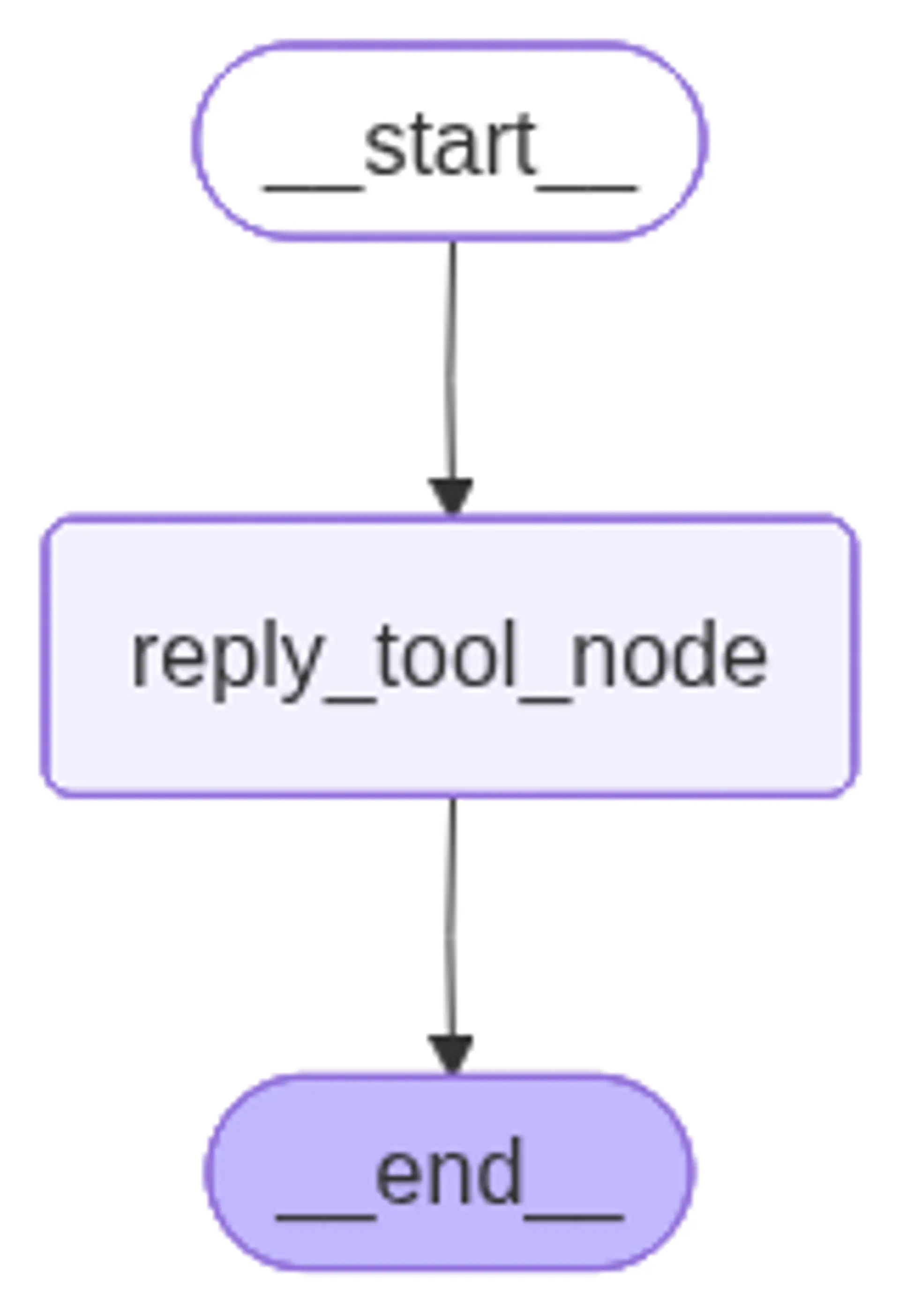
This creates a clear, visual representation of how our agent processes requests - from start to finish.
app.invoke({"request": "This is about Franks order. Tell him it's 2 days late."}){'request': "This is about Franks order. Tell him it's 2 days late.",
'reply': 'I am drafting a reply to Frank in the category Order Status.\n Content: Your order is 2 days late.'}Testing Our First Agentic Workflow
Let's see our workflow in action. Notice how the request flows through our defined structure, and the state accumulates information as it progresses through each step.
Visualizing the Workflow
LangGraph automatically generates visual representations of your workflows. This helps you understand and debug complex agent behaviors by seeing exactly how data flows through your system.
Image(app.get_graph().draw_mermaid_png())